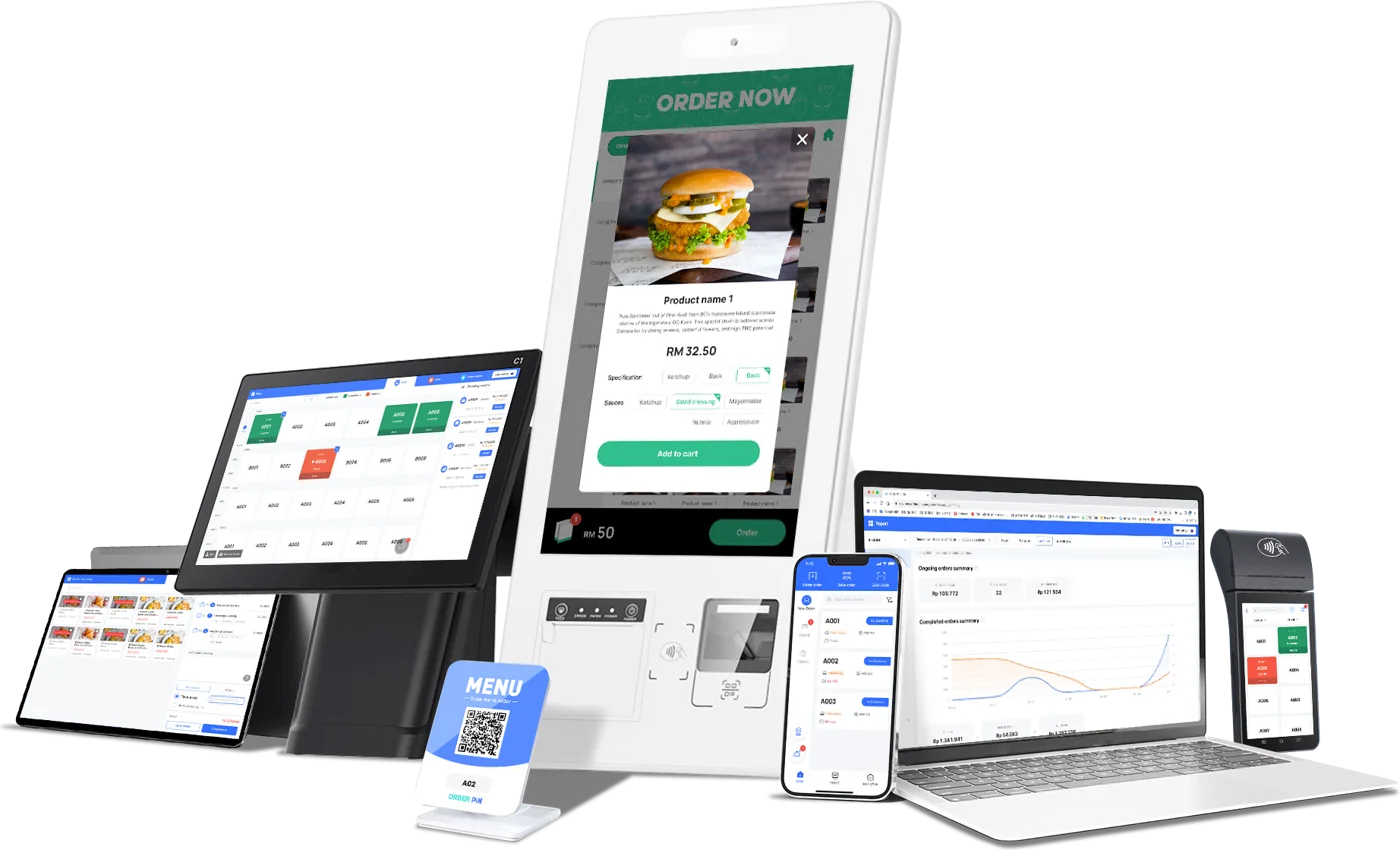

From Kitchen to Table,
Seamlessly.
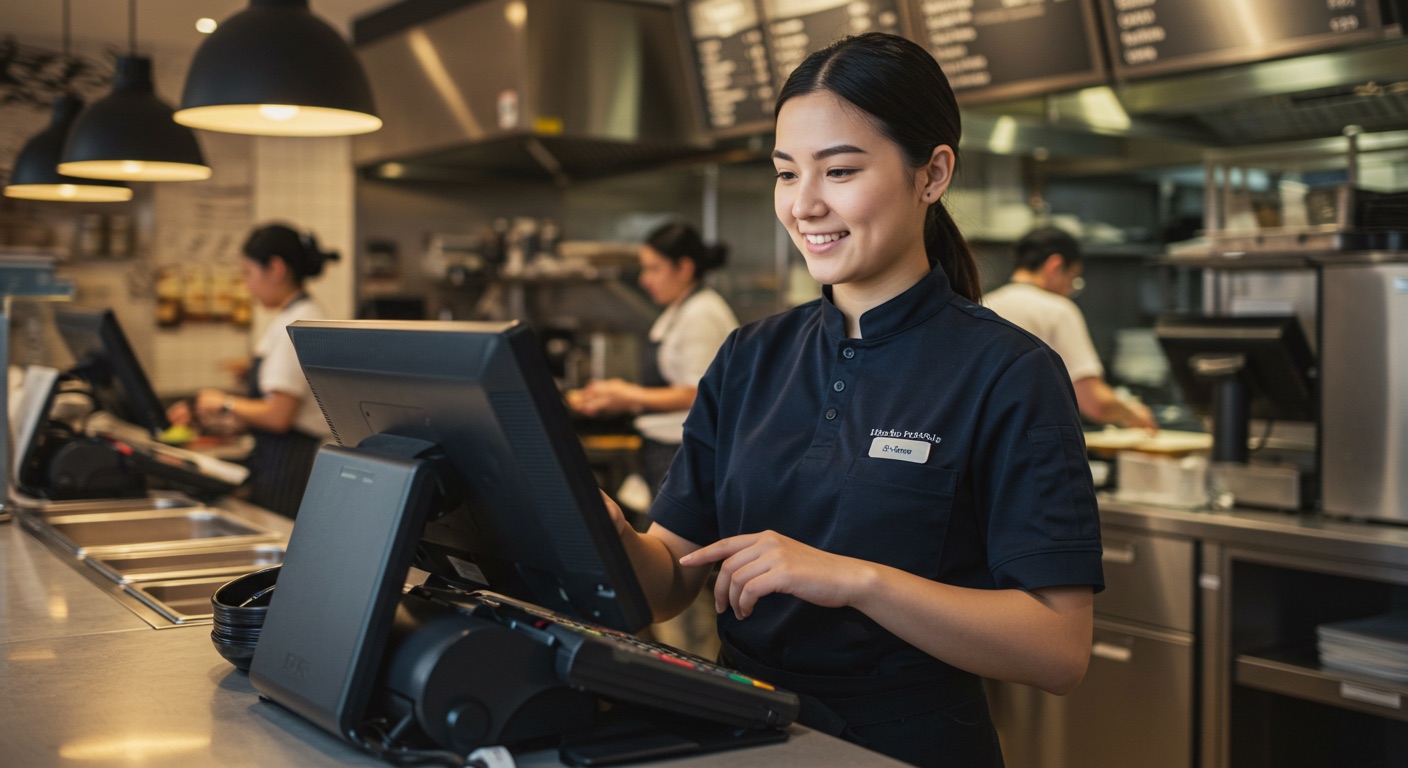
Take orders at the table or counter, send them to the kitchen instantly, split the bill any way guests like, and see exactly what every dish earns.

Trusted by cafés, shops and restaurants that sell every day










Made for shops of every kind
One platform, set up for how your kind of business really sells.
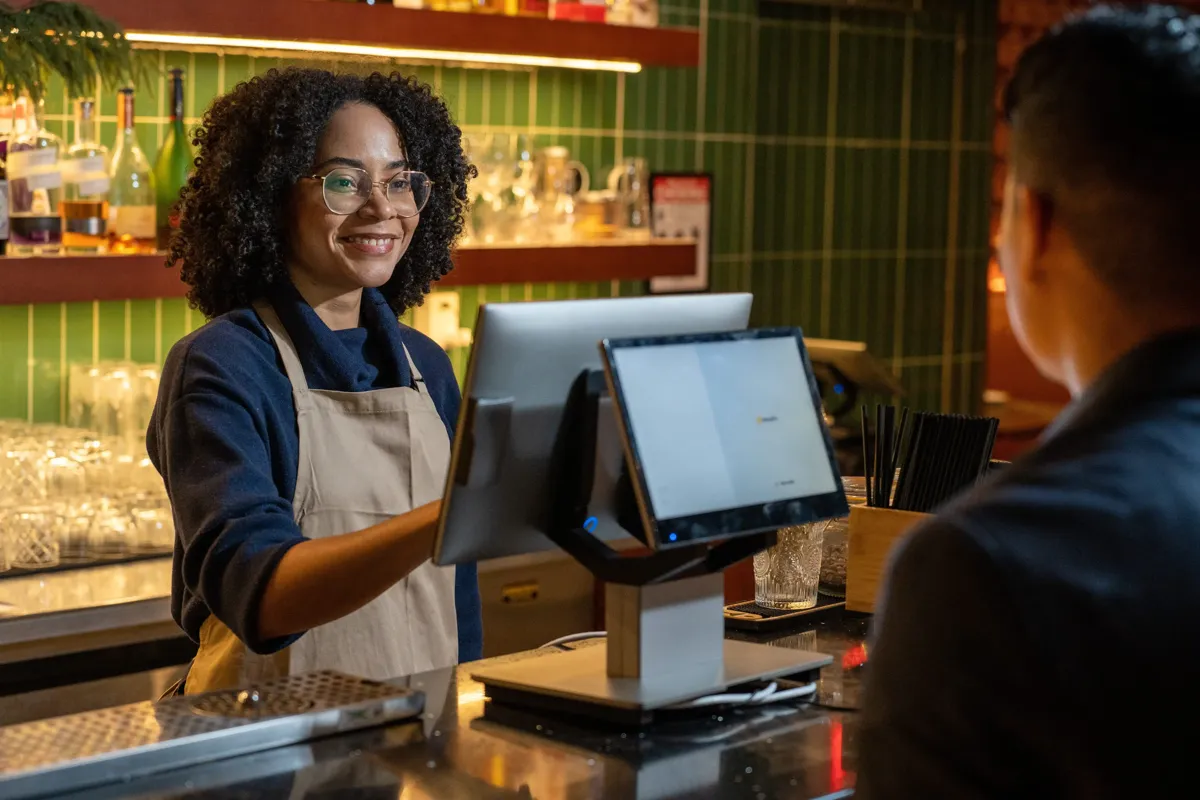 Food & beverage
Restaurants & cafés
Tables, kitchen tickets, split bills and tips.
 Retail
Retail & fashion
Sizes, colours and seasonal stock that stay organised.
 Grocery
Grocery & minimarts
Fast scanning, weighed items and expiry alerts.
 Health
Pharmacy & health
Batches, expiry dates and clear stock history.
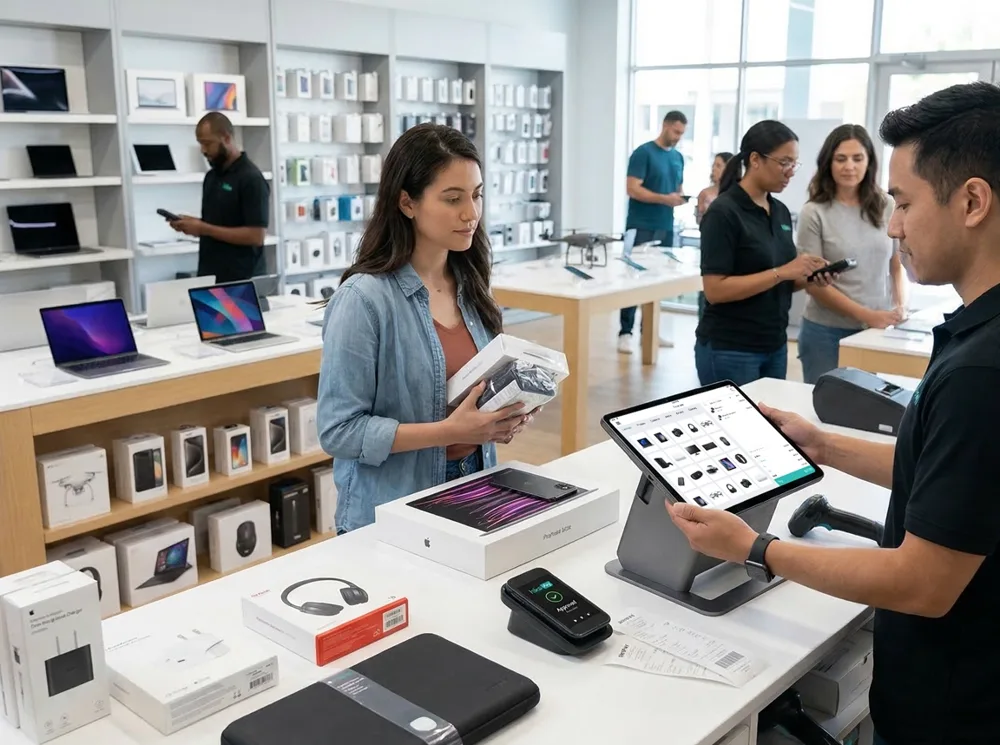 Electronics
Electronics & mobile
IMEI and serial numbers, warranty and repairs.
 Wholesale
Wholesale & distribution
Bulk selling, credit, branches and stock transfers.
Do not see your business? Talk to us and we will help you set up.
Stop juggling five different tools
Sales, stock, purchasing, people and money share one set of numbers, so you always know where the business stands.
Fast point of sale
Ring up sales in seconds with barcode scanning, split payments, discounts and receipts on any printer.
Inventory that stays right
Live stock across every branch, batches and expiry, serial numbers, low-stock alerts and transfers.
Purchasing & suppliers
Raise purchase orders, receive stock, track supplier balances and returns without spreadsheets.
Accounting built in
Payments, expenses, income, balance sheet and account statements tied to every sale and purchase.
People & payroll
Staff roles and permissions, attendance, leave, overtime and payroll in the same system.
Reports you will use
Profit and loss, best sellers, stock value, daily and monthly summaries — filtered however you need.
A checkout your team learns in ten minutes
Big, clear buttons, instant search and keyboard shortcuts. Works on a computer, tablet or touchscreen — and keeps working if the connection drops.
- Every way to payCash, card, cheque, gift cards, deposits and split payments in one sale.
- Barcodes, serials and batchesScan products, pick batches by expiry, record IMEI or serial numbers.
- Receipts your way58 mm and 80 mm thermal, A4 invoices, or share digitally.

▲ 12.4%
▲ 6.1%
▲ 9.8%
Know how the business is doing, any time
A live dashboard and reports for sales, profit, stock and cash. Spot your best sellers, slow movers and busiest hours without exporting a thing.
- Profit you can trustCost, tax and discount are worked out for you on every line.
- Every store, one viewCompare locations or drill into one — with permissions per person.
- Export and sharePrint or download any report as a file.
From sign-up to first sale in an afternoon
Create your workspace
Pick a plan, choose your web address and verify your email. Your private workspace is ready in seconds.
Add products & people
Import your products from a spreadsheet, add your shops and invite your team with the right permissions.
Start selling
Open the point of sale, scan, charge and print. Reports build themselves as you go.
Shops that switched never looked back
What owners and managers say after moving to GPOS.

“Three shops, one stock list. Transfers between branches take a minute instead of a phone call.”

“Every phone is tracked by IMEI from the day I buy it to the day I sell it. Warranty questions take seconds, and my stock count finally matches the shelf.”

“Tables, kitchen orders and split bills used to cause mix-ups every evening. Now the waiter sends the order and the kitchen sees it straight away.”

“I sell cloth by the metre and ready-made pieces from one screen. Customer dues and stock are written down automatically, so nothing is lost in my notebook.”

“We went from closing the till with a calculator to a clean report at the push of a button. Stock counts finally match.”

“Our queue moves twice as fast. New staff are confident on the first shift, and the kitchen gets orders instantly.”
Questions, answered
Is there a free trial?
Can I sell without an internet connection?
Does it work with my barcode scanner and receipt printer?
Can I run more than one branch?
Can I move my products and customers over?
Is my data safe?
Can I change or cancel my plan?
Which payment methods can my customers use?
Start selling smarter today
Create your workspace in a minute. 14 days free, no credit card, cancel any time.